
Capture in the field
Snap photos and dictate notes room by room on your phone or tablet. Each shot is tagged to the right system and section the moment you take it.
Capture photos and notes on-site, write the findings in the field, and deliver the finished PDF to your client and the agent the moment you finish — no second trip to the office. Built for home and property inspectors working off a phone, iPad, or Android tablet.
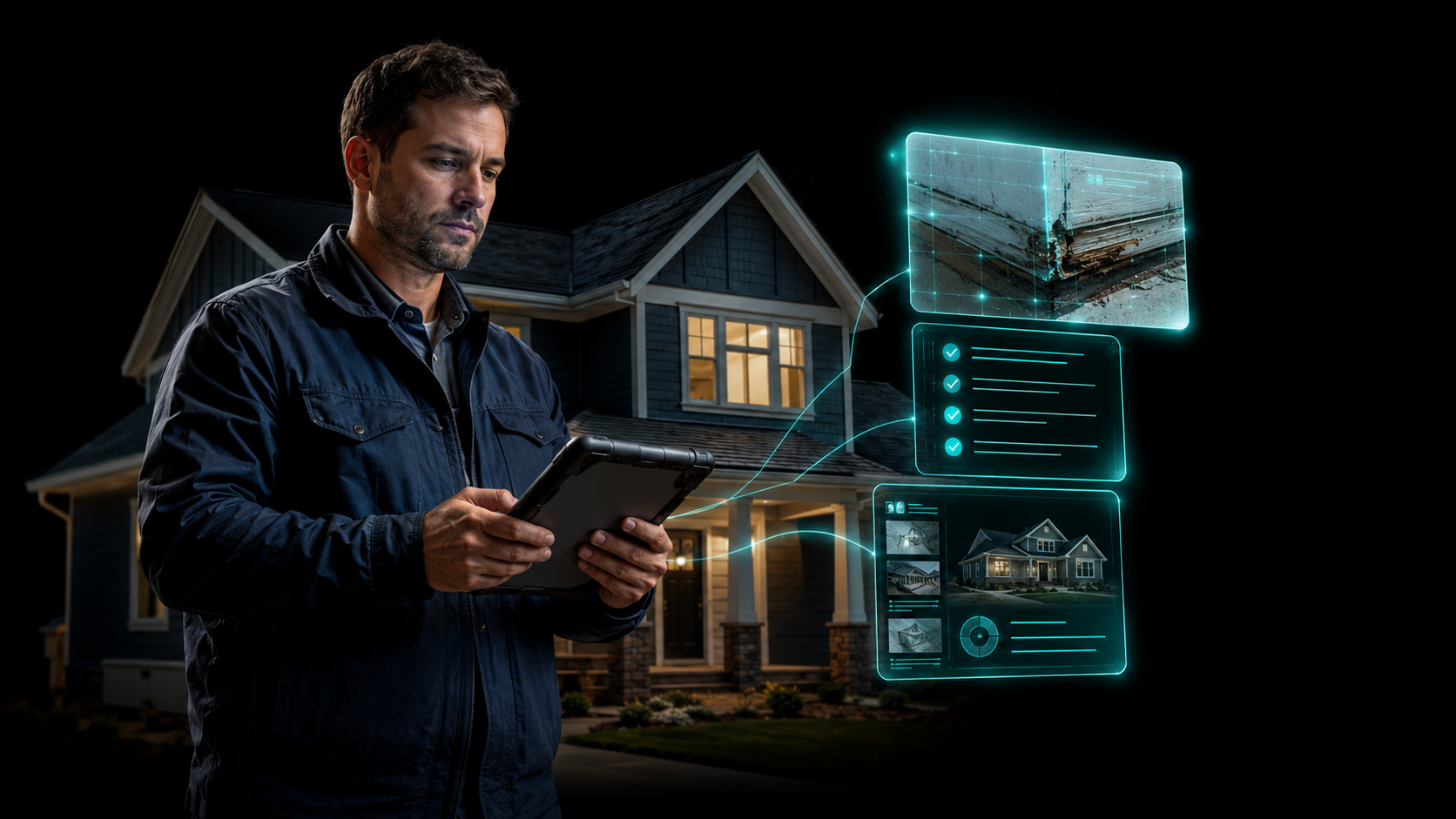
Field inspection software lets a home or property inspector run the entire report from the job site — capture photos and notes on a phone, iPad, or Android tablet, write the findings on-site, work fully offline in crawl spaces and basements, and deliver the PDF before you leave the driveway. InspectorData adds scheduling, job tracking, and built-in card payments (2.99%), for $79/month introductory with a 30-day free trial.
Built to the standards inspectors are licensed against
Most inspection software treats the field and the office as two jobs: shoot photos on-site, then drive home and type for two hours. InspectorData collapses that into one. Here is the field-to-delivery path.
Snap photos and dictate notes room by room on your phone or tablet. Each shot is tagged to the right system and section the moment you take it.
Your photos and notes draft the narrative, summary, and recommendations as you walk the house. You review and finalize before you ever sit in the truck.
Generate the branded PDF and send it to the client and agent — plus a payment link — while you are still in the driveway. The job closes on-site.
Open the mobile app, pick the report, and start capturing. Photos land in the right section automatically, so you are never reshuffling a camera roll at midnight. Voice notes attach to the photo and transcribe straight into findings.
This is the report-first platform: your field photos and notes feed a drafting engine that produces narrative, summary, and recommendations aligned to the InterNACHI Standards of Practice. True AI photo analysis reads the image — not just keywords — so the draft already matches what you saw. You review, edit, and finalize on the device.
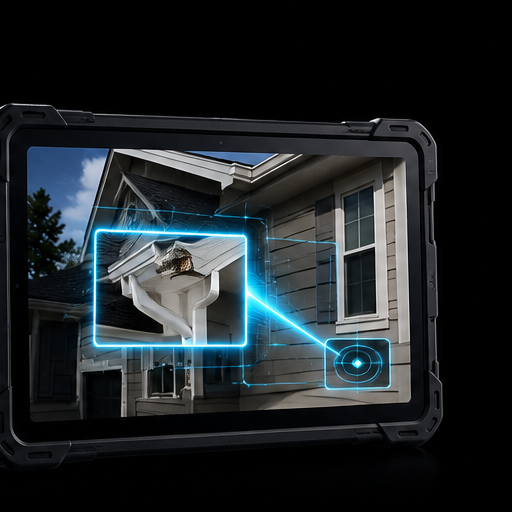
InspectorData installs as a progressive web app — no app store download, no version-update grind. The part that matters in the field: it is built offline-first. The app queues every photo, note, and edit when you have no signal, then syncs the instant you reconnect. Crawl spaces, basements, rural job sites — you keep moving.
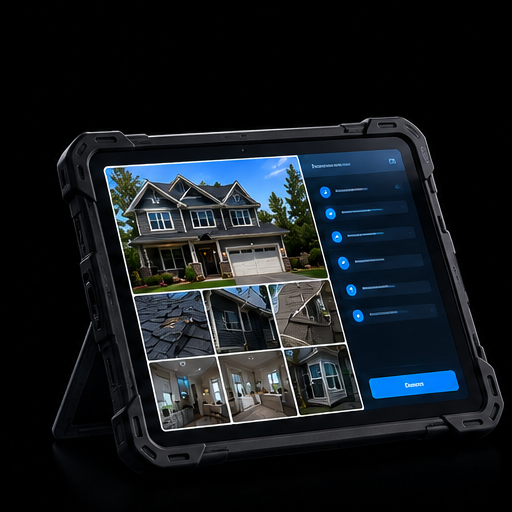
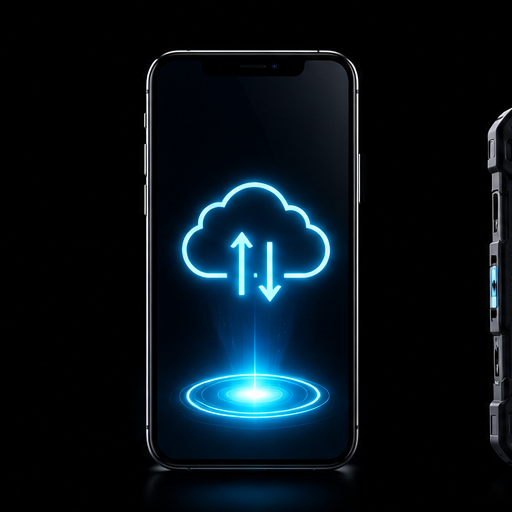
No locked-down "iOS only" app, no separate Android build to fall behind. The same field workspace runs on whatever you bring to the job, and opens full-size on your laptop when you are back at the office.
One-handed capture as you walk the house. Snap, tag, and note without slowing down the inspection.
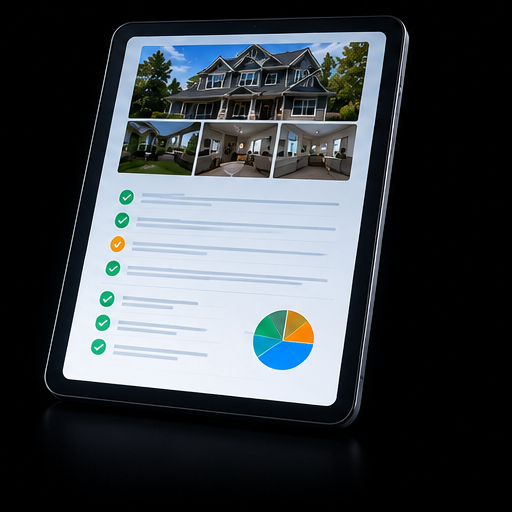
The big-screen field view: photos, sections, and the live draft side by side for on-site report writing.
Back at the office, the same account opens full-size for final review, template edits, and the dashboard.
30-day free trial. Capture, write, and deliver on-site — then decide.
A multi-inspector calendar and a status-coded job board travel with you. Bookings from your public widget land on the calendar automatically, and every inspection carries a clear status so nothing slips between the truck and the office.

Stripe Connect is built in. Send a payment link or invoice from your phone and the client can pay on-site at 2.99% card processing, with funds deposited straight to your own bank. Then push the finished, branded PDF to the client and the agent the moment it's done — instant delivery closes the job in the driveway.

Cancel before it ends and you pay nothing. No setup fee. No per-inspection charges. Cancel anytime — keep your reports.
First 30 days are free.
New or part-time in the field? Pay only when you write a report — same field capture, offline mode, and on-site delivery, billed per inspection instead of monthly.
Don't see yours? Start the trial — run a real inspection in the field for 30 days, then decide.
Field inspection software lets a home or property inspector do the whole report from the job site instead of back at the office. You capture photos and notes on a phone, iPad, or Android tablet, write the findings on-site, and deliver the finished PDF report before you leave the driveway. InspectorData runs in the field as a mobile app and syncs to your dashboard automatically.
Yes. The mobile PWA queues every photo, note, and edit while you have no signal — crawl spaces, basements, rural job sites — and syncs the moment you reconnect. Nothing is lost and you never have to wait on bars to keep moving through the house.
Yes. That is the whole point. Photos and field notes draft the narrative as you go, you review and finalize on-site, and you can deliver the PDF to your client and the agent the moment you finish — many inspectors send it before they leave the driveway.
Yes. InspectorData is a progressive web app that installs on iPhone, iPad, iPadOS, and Android phones and tablets with no app store download. The capture and report screens are built for a tablet in the field, and the same account opens full-size on your laptop back at the office.
Yes. A multi-inspector calendar and a status-coded job board travel with you — scheduled, in progress, saved for later, completed, delivered — so you always know what is next and what is still open. Bookings from your public widget land on the calendar automatically.
Yes. Stripe Connect is built in. Send a payment link or invoice from your phone and the client can pay before you pull out of the driveway, at 2.99% card processing, with funds deposited straight to your own bank.
$79/month introductory, flat, with unlimited inspections and no per-job fees with no monthly commitment for new and part-time inspectors. Every account starts with a 30-day free trial.
Yes — 30 days free, every feature, unlimited inspections, cancel any time before it ends. You only enter payment details if you decide to keep the account past day 90, and you keep every report you wrote during the trial.
Take your reporting into the field today
Cancel before it ends and you pay nothing. Unlimited inspections. Full offline field mode. Cancel any time and keep every report you wrote.